

API and webhooks
Letting your own systems read from Simplifyd MDM and hear about what happens.
Settings → API & webhooks connects your own tools: an asset register, a helpdesk, or a script.
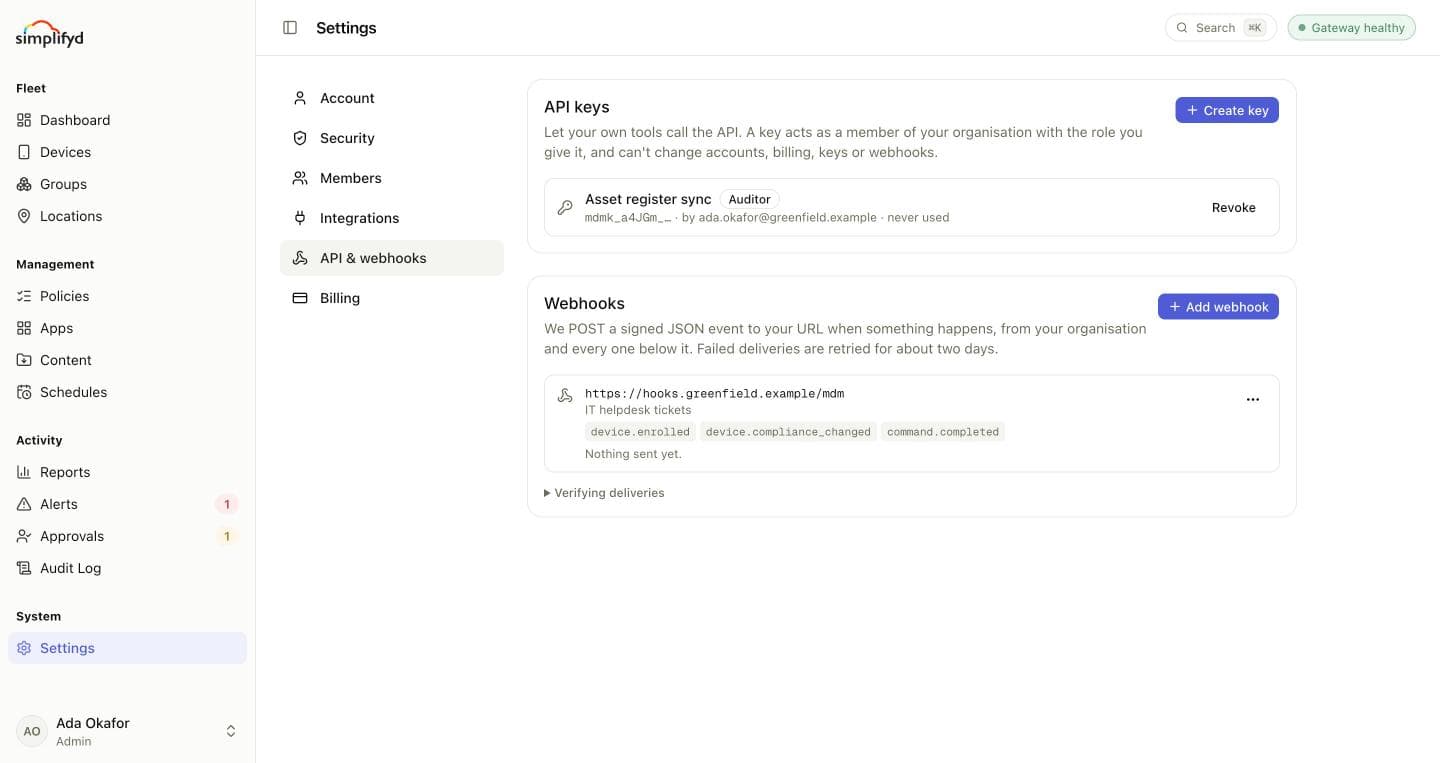
API keys
An API key lets a tool call the API as a member of your organisation, with the role you give it. A key can't change accounts, billing, keys or webhooks, whatever its role.
- Select Create key and name it after what will use it, for example
Helpdesk sync. - Choose its role. Give it the least it needs: Auditor keys can only read. You can also limit it to some groups, as with a member.
- Copy the key. It won't be shown again, so store it where your tool keeps its secrets.
Send it as a bearer token:
curl -H "Authorization: Bearer $MDM_API_KEY" \
  https://api.mdm.simplifyd.com/api/v1/devices
Each key shows when it was last used. Revoke stops a key working at once.
Webhooks
A webhook sends a signed message to your URL the moment something happens.
- Select Add webhook, and enter a public
https://URL and a description. - Tick the events you want:
| Event | When it is sent |
|---|---|
device.enrolled | A device enrolled. |
device.compliance_changed | A device became compliant, entered its grace period, or became non-compliant. |
command.completed | A device finished a command, whether it worked or not. |
policy.published | A policy was created, or a version of it was published, piloted, promoted or rolled back. |
device.geofence_exited | A device was seen outside every place its policy says it belongs. |
device.geofence_entered | A device that was outside its places is back inside one. |
approval.requested | Someone asked for a wipe that needs a second person's approval. |
approval.decided | A wipe request was approved or rejected. |
- Copy the signing secret. It won't be shown again.
Use Send test event to try it, and Deliveries to see what was sent and how your server answered. Webhooks cover your organisation and every organisation below it. You can pause, edit or delete a webhook from its menu.
Checking a delivery is genuine
Each delivery is a POST of a JSON event, with an X-MDM-Signature header of the form
t=<unix time>,v1=<hex>. The v1 value is an HMAC-SHA256 of the timestamp, a full stop, and the raw
request body, keyed with your signing secret. Compute the same and compare, and reject deliveries whose
timestamp is more than a few minutes old.
The X-MDM-Event-Id header is the same on every retry of an event, so you can ignore one you have already
handled.
Failures
Answer with any 2xx status within 10 seconds. Anything else is a failure, and the delivery is retried
after 1 minute, 5 minutes, 30 minutes, 2 hours, 6 hours, 12 hours and 24 hours, about two days in all,
before it is given up. The webhook's card shows its last error.
Managing keys and webhooks needs the Manage settings permission. Admins have it.