

Using the console
Schedules
Commands that run on their own at set times.
A schedule runs a command for you: restart a lab every night, lock the exam tablets when the exam ends, or sync content before school starts.
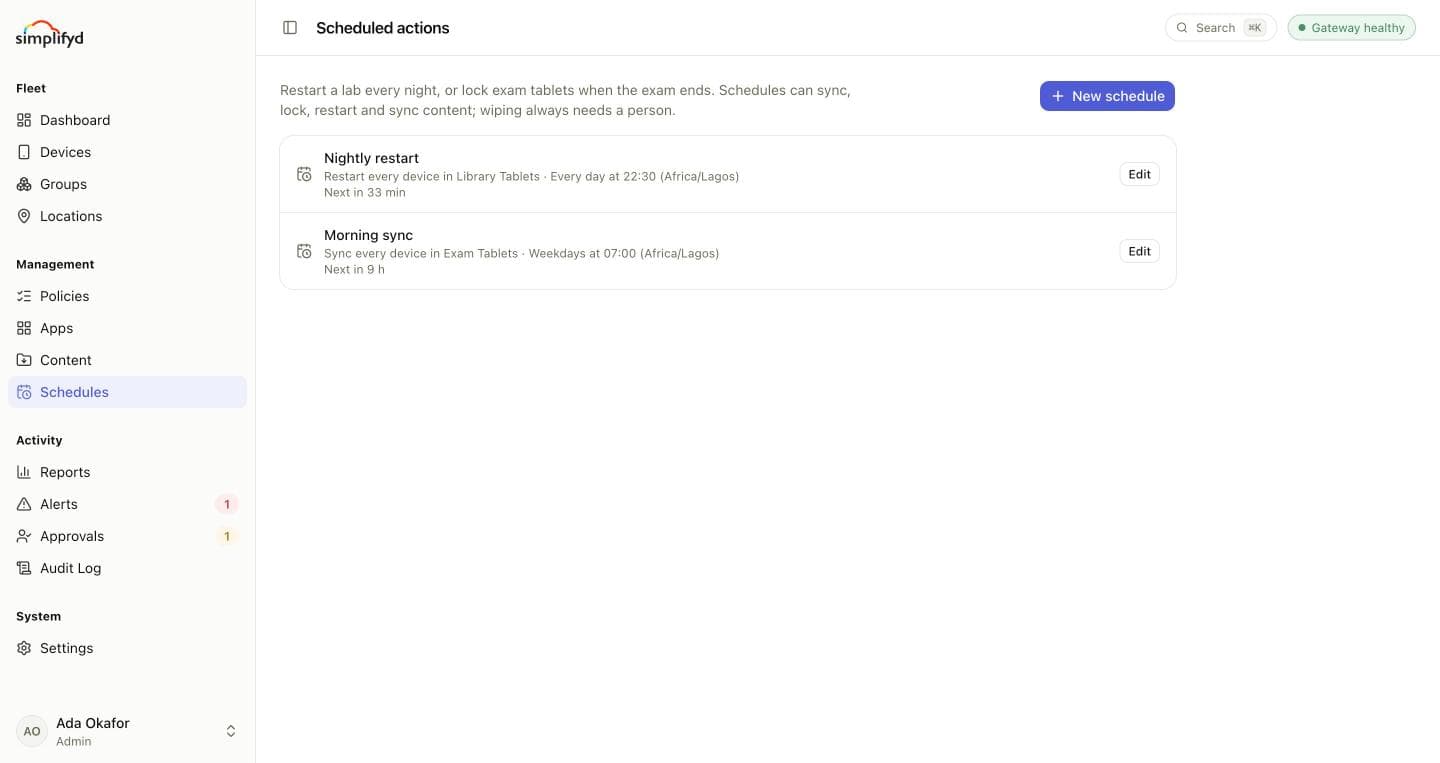
Each schedule shows what it does, its target, when it repeats, and when it runs next.
Making a schedule
- Select New schedule and name it, for example
Nightly lab restart. - Choose the command: Sync, Lock, Restart or Sync content. Wipes can't be scheduled; wiping always needs a person.
- Choose the target: Every device in a group, or One device by its serial number.
- Choose when: Once at a date and time, Every day, or On chosen days of the week, at a time in the timezone you pick.
- Select Save schedule.
Devices that are offline at the time get the command when they next check in.
Edit changes a schedule. Untick Active to pause it without losing it, or delete it.
Who can schedule
Schedules need the Manage devices permission, plus permission for the command itself (for example Run device commands to lock). Admins have both.